
Getting started
Add another number with coins
Extra numbers are bought with coins for 7 days, 30 days, 90 days or a year, up to 10 numbers on one account.
Before you start
- A primary number
- Enough coins for the term you want
Steps
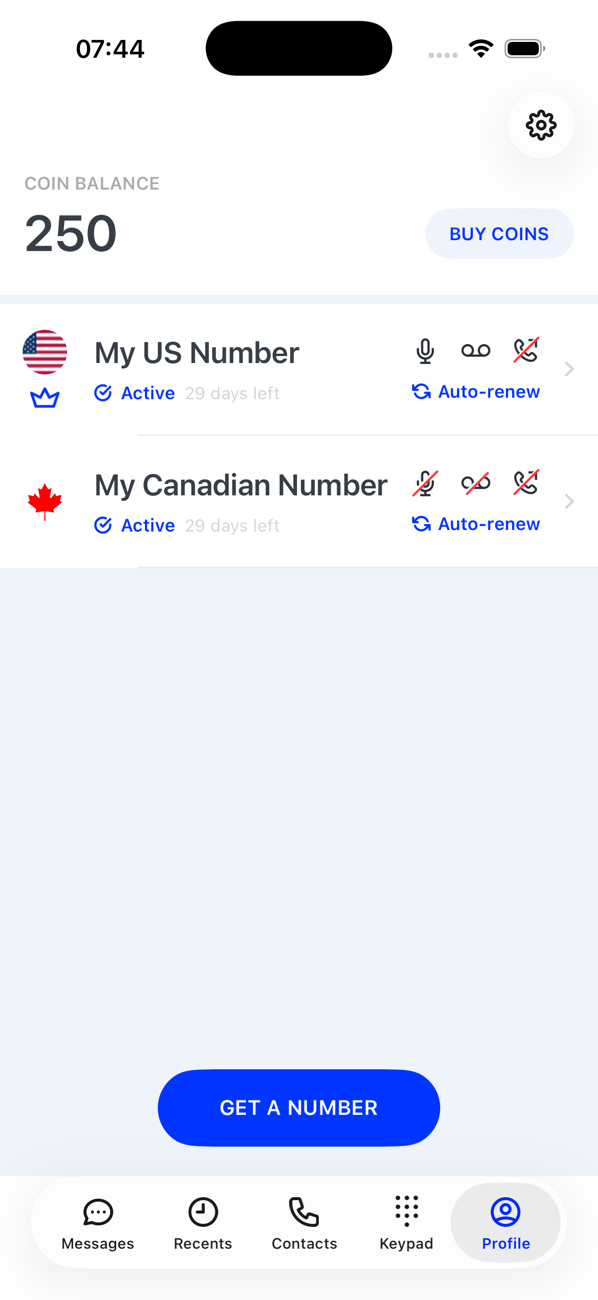
1Tap get another number
On your Profile, below your numbers, tap get another number.
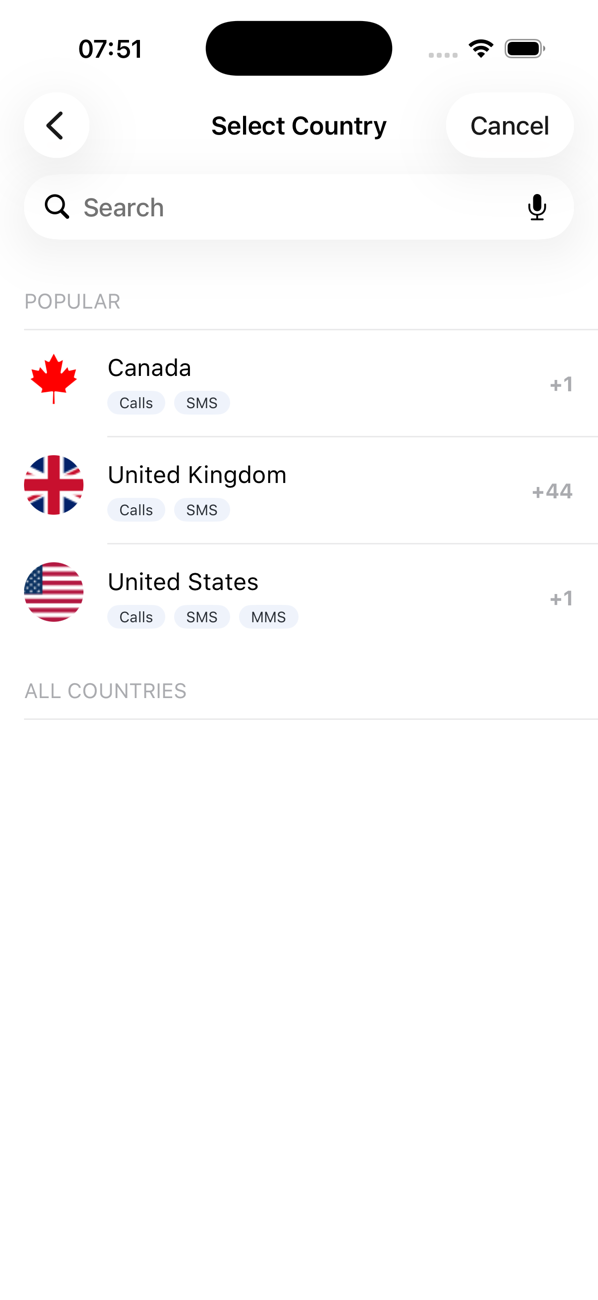
2Choose the country, region and number
Exactly as for your first number: country, then region where there is one, then the number. You can pick a second number in a country you already have one in.
3Choose how long you want it for
The Get Number With Coins screen shows the number, what it can do, and the coin price for 7 days, 30 days, 90 days and 1 year. Your balance is at the top. Pick a term.
4Decide about renewal
Choose whether the number should renew itself from your coin balance when the term ends, and how often, or not renew at all. You can change this later in the number's settings.
5Confirm
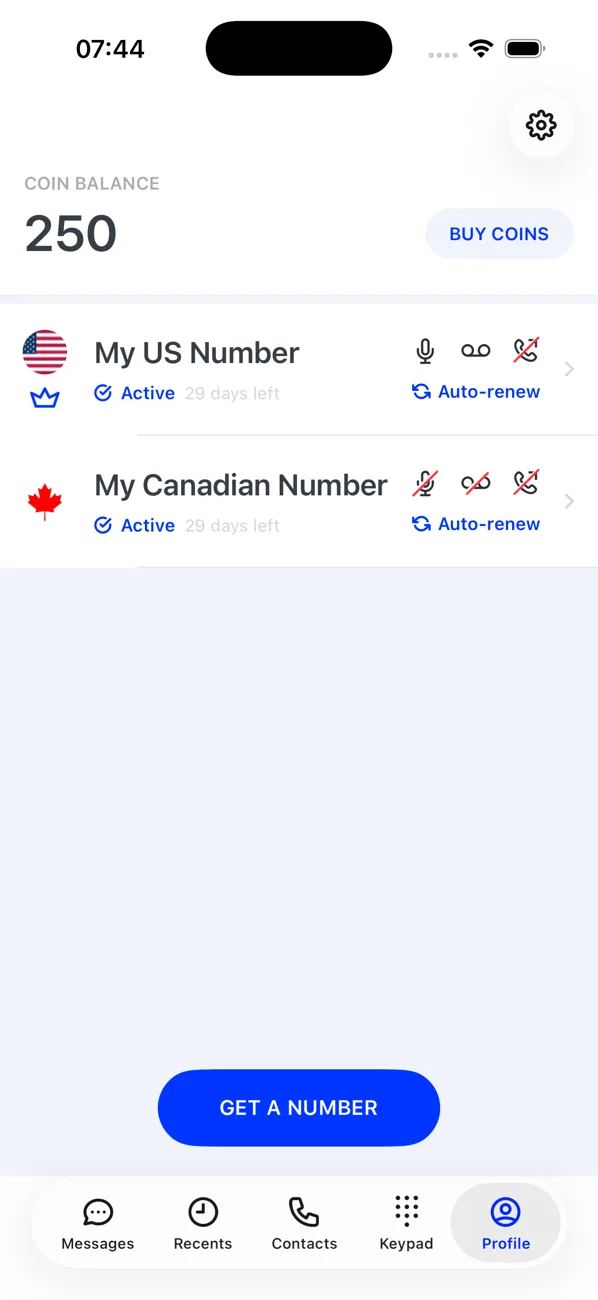
Tap Get Number. The coins are taken from your balance and the number appears on your Profile as Active with its days remaining. Short of coins? Tap Get Coins, buy a pack and come back.

Good to know
- Calls and messages from an extra number are paid with coins, unlike your primary number which is covered by the subscription.
- Up to 10 numbers can be active at the same time; switch between them from the top of the Keypad, Messages and Recents tabs.