
Calls
Forward your calls to another phone
Send every call to one of your numbers on to any other phone number, and switch it off when you want the app to ring again.
Before you start
- A number of your own that can make calls
- The destination number, with its country code
Steps
1Open the number's settings
On your Profile tap the number you want to forward.
2Switch on Call Forwarding
Turn on Call Forwarding. A field for the destination appears.
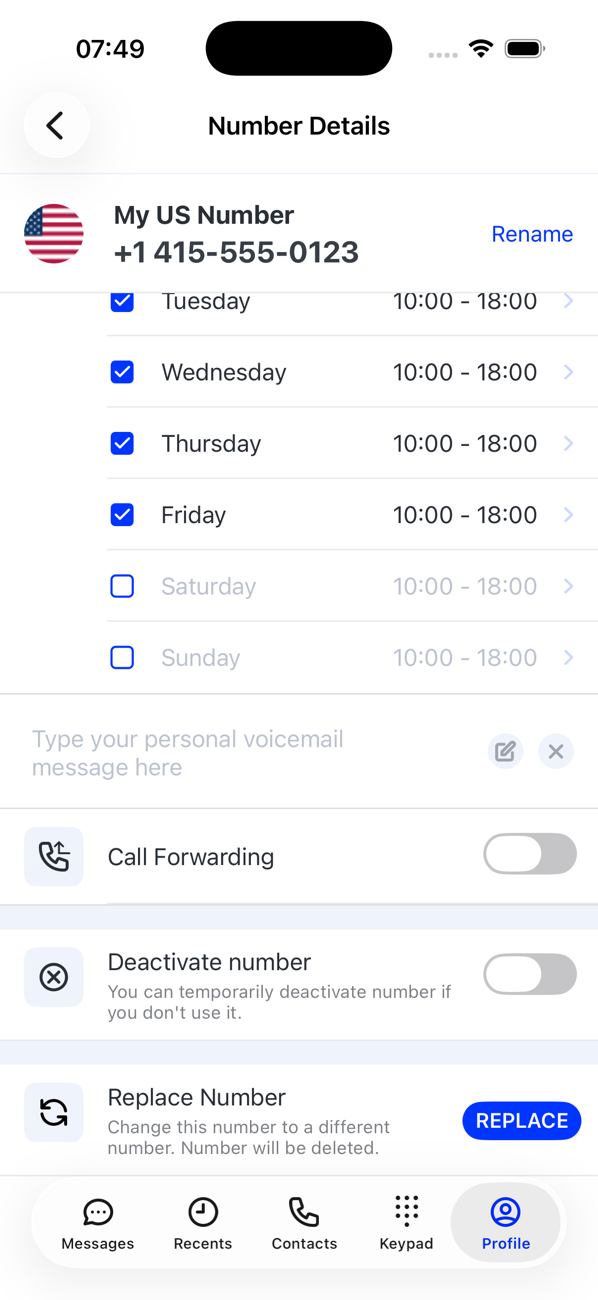
3Enter the destination
Pick the country code from the list and type the rest of the number, then Save. The app confirms Call Forwarding Number Saved. Use the delete icon in the field to clear it and enter another.
4Stop forwarding
Switch Call Forwarding off. Calls to this number ring in the app again.

Good to know
- The number card on your Profile shows a forwarding icon while forwarding is on, so you can see at a glance which numbers are diverted.