
Getting started
Buy coins
Coins pay for extra numbers, calls and the messages you send. They come in packs of 200, 700, 1,000 and 3,000.
Before you start
- A payment method on your Apple or Google account
Steps
1Open the coins screen
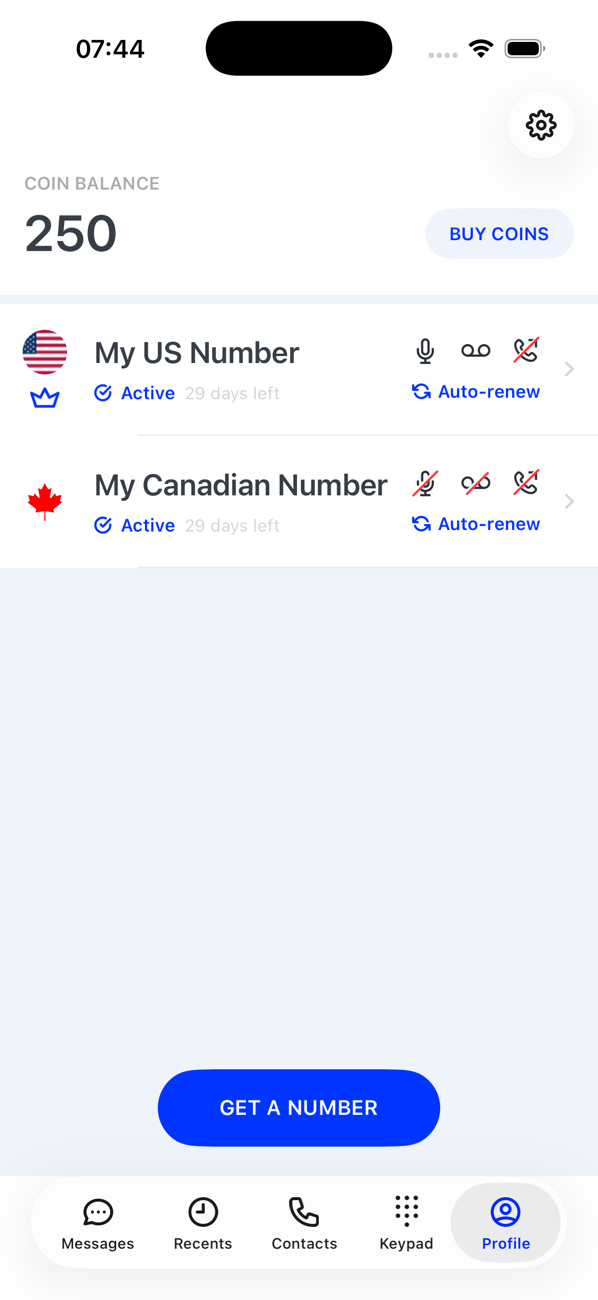
Tap Buy Coins next to your balance at the top of your Profile. The Keypad has the same button, and the app also offers Get Coins whenever you are short.
2Choose a pack
Pick 200, 700 (marked Popular), 1,000 or 3,000 coins. Prices are shown for your region.
3Confirm the purchase
Confirm with Face ID, Touch ID or your Google account. The purchase is a one-off; nothing renews.
4Check your balance
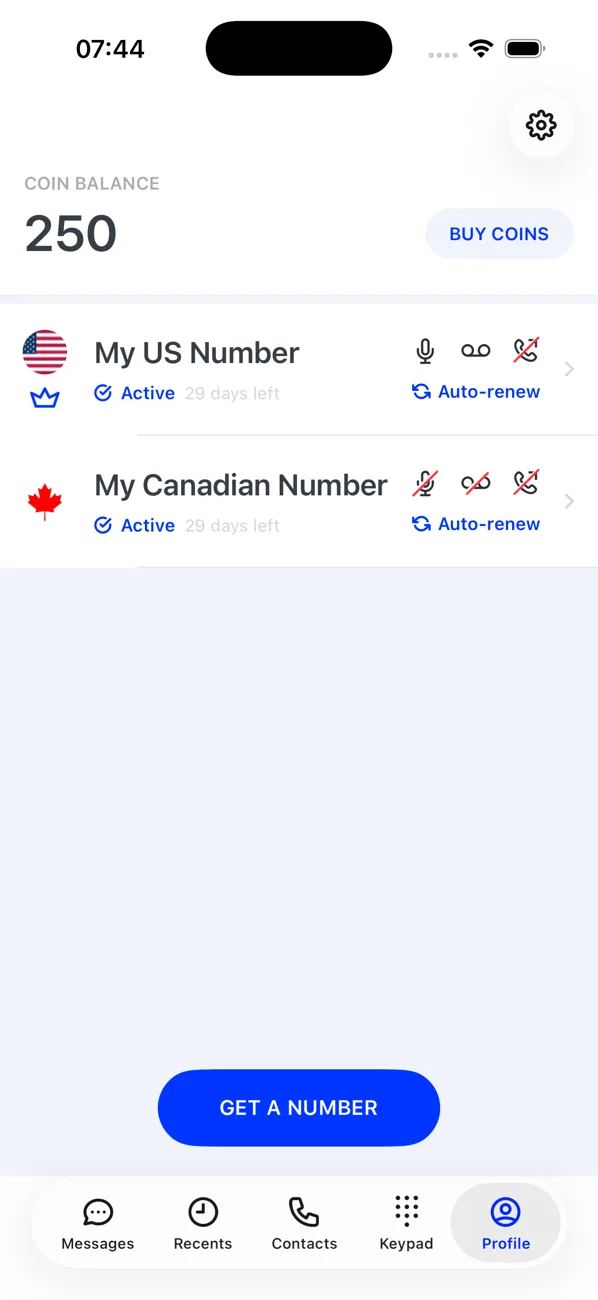
The balance at the top of your Profile updates within moments (you may briefly see Your coin balance is being updated). The purchase is listed under Settings → Expenses as a credit.
Good to know
- Receiving SMS is free; calls are charged per minute, rounded up; the Pricing calculator shows the rates before you spend.
- A Balance Running Low notification warns you before the balance runs out.